 FrontDeskLync
Book a demo
FrontDeskLync
Book a demo
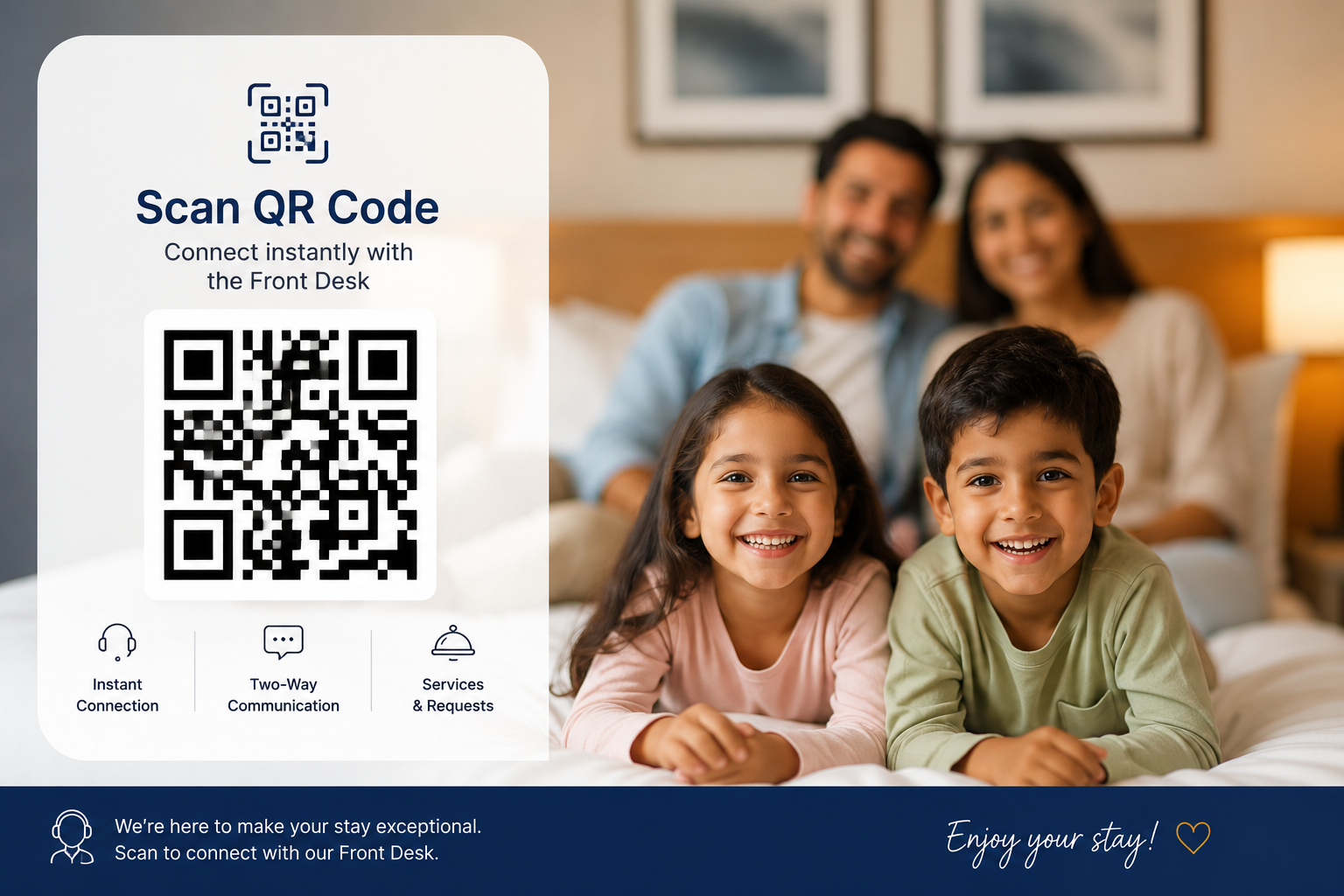
How guests call reception using a QR code
- Scan. The guest opens the phone camera and scans the room QR code.
- Open. FrontDeskLync opens in the mobile browser, already linked to that room.
- Call or chat. One tap rings the front desk. Staff see the room number and answer from their dashboard.
- Request. The guest can also raise a service request or order food, depending on the plan. Each request becomes a ticket for the right department.
What guests can do from the QR page
Call the front desk
Browser audio calling over encrypted WebRTC. Reception can also call the guest back.
Chat
Real-time chat with optional translation into the guest's language (plan dependent).
Raise service requests
Send requests to housekeeping, maintenance, room service, concierge or valet. The guest can see each request's status.
Ask the AI assistant
Guests get answers to questions such as "What time is breakfast?" from the hotel's own knowledge base.
Read hotel information
Wi-Fi details, timings, facilities, activities and events, plus a feedback form.
SOS
Alerts the front desk and branch admin immediately with the room number, and stays visible until staff acknowledge it.
Security: stay-bound access
The QR code in the room stays the same, but each guest's access is tied to their active stay. After checkout the session stops working, so the next guest starts fresh. Hotels can also limit guest access to their own Wi-Fi or IP ranges, depending on the plan. FrontDeskLync collects only what it needs for communication and does not profile guests.
What you need
- Guests: a smartphone with a modern browser and internet access (hotel Wi-Fi or mobile data).
- Guests without a smartphone: pair an in-room tablet as a room device.
- Staff: a computer or tablet with a browser, and a headset or microphone.
- Printed QR codes: FrontDeskLync generates one for each room after you add your rooms.
On iPhone, a locked screen or a browser tab in the background cannot ring. Guests waiting for a call back from reception should keep the page open.
Frequently asked questions
How can hotel guests call reception without a room phone?
Put a FrontDeskLync QR code in each room. The guest scans it, the guest page opens in the browser, and one tap calls the front desk over the internet.
Can a QR code replace a hotel intercom?
For communication between guests and reception, yes. The QR code opens calling, chat, service requests and SOS. Guests need internet access on their phone. For guests without a smartphone, pair an in-room tablet.
How does guest access expire after checkout?
Access is tied to the active stay. After checkout the session stops working, and the next guest gets a fresh session from the same QR code.
Can someone outside the hotel misuse the QR code?
Access only works during an active stay. Depending on the plan, hotels can also restrict guest access to their own Wi-Fi or IP ranges.