 FrontDeskLync
Book a demo
FrontDeskLync
Book a demo
Getting started
What is FrontDeskLync?
FrontDeskLync is a cloud (SaaS) hotel guest communication and service request platform made by 8 Bytes Technology. Guests scan a QR code in their room and use their phone browser to call the front desk, chat, raise service requests, order food, request their car, read hotel information and press SOS. Staff work from a browser dashboard.
Do guests need to install an app?
No. The room QR code opens FrontDeskLync in the mobile browser. Guests do not need an app or an account.
At check-in the front desk records the guest's room, last name and stay dates, and the system issues a short PIN. The guest scans the room QR code with the phone camera, enters the room number, last name and PIN, and the guest page opens in Safari, Chrome or any modern mobile browser. Nothing is downloaded, and no email address or password is needed.
How long does setup take?
Registration takes a few minutes: choose a plan, enter hotel and contact details, and verify by email. The account is provisioned automatically. Then add branches and rooms, create front desk users, configure request types, and print and place the room QR codes.
Is there a free trial?
Yes. Hotels can start on the free trial plan, and the trial length is shown on the pricing table. After the trial the hotel can choose a paid plan.
Calling and replacing room phones
How can hotel guests call reception without a room phone?
Place a FrontDeskLync QR code in each room. The guest scans it, the guest page opens in the mobile browser, and one tap calls the front desk over the internet.
- Print the room's QR code from the branch admin console and place it by the bed or desk.
- The guest scans it and signs in with the room number, last name and check-in PIN.
- The guest taps Call. The front desk dashboard rings with the room number shown.
- Reception answers in the browser with a headset. If nobody answers in about a minute, the guest can chat or raise a request instead.
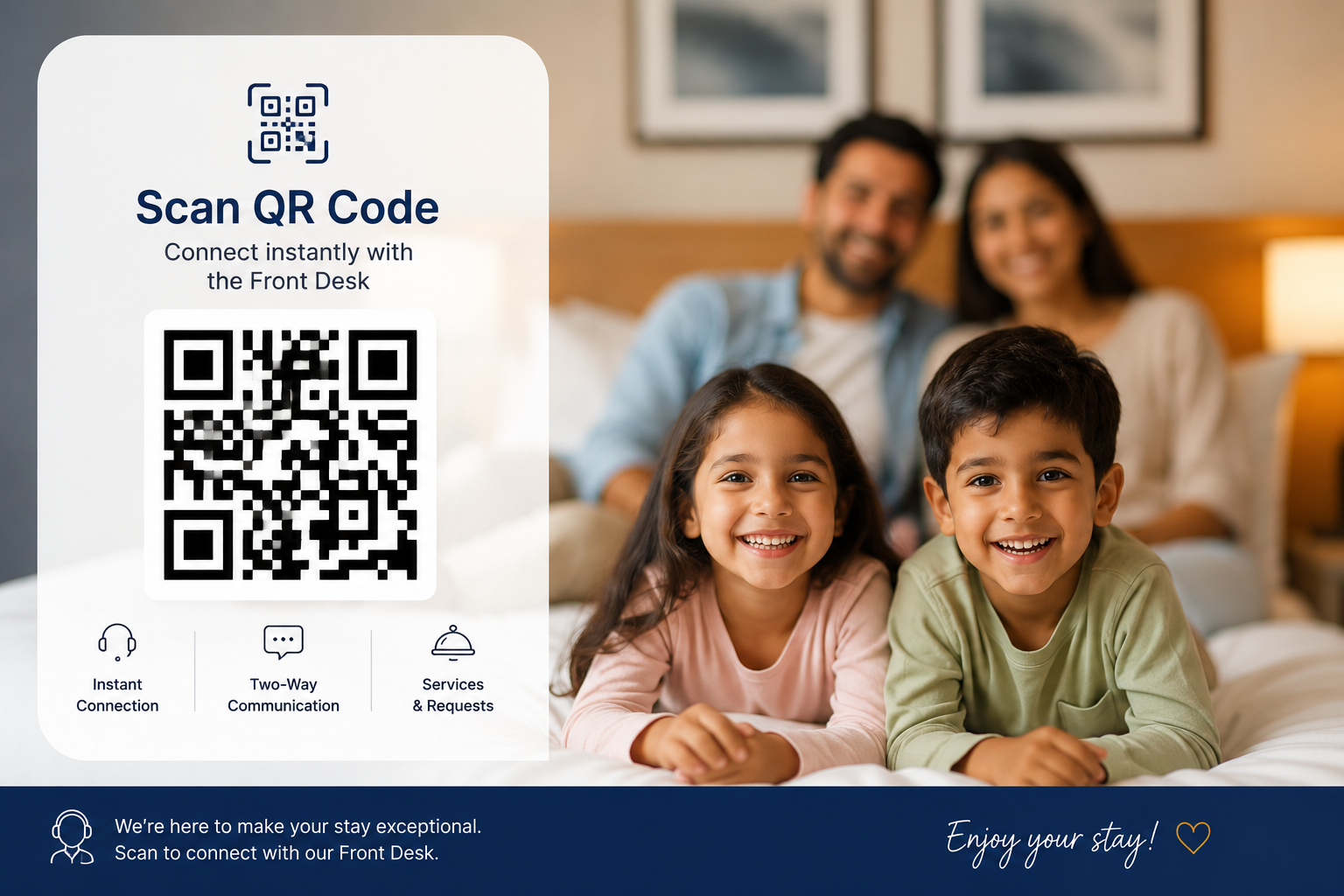
More detail: QR code calling for hotels.
Can a QR code replace a hotel intercom?
For communication between guests and reception, yes. The QR code opens calling, chat, service requests and SOS. Guests need internet access on their phone, and hotels can pair an in-room tablet for guests without a smartphone.
It does not replace everything a wired intercom can do. It needs internet access on both sides, a phone cannot ring while it is locked or the page is closed, and SOS alerts the front desk only, not public emergency services. Hotels that need a fixed device in every room can pair a tablet per room, and can keep the existing handsets while they switch over.
More detail: Cloud hotel intercom software.
What is the difference between a hotel PBX and browser calling?
A PBX routes calls between wired room handsets and reception through an on-site exchange that needs cabling and maintenance. Browser calling connects the guest's own phone browser to the front desk dashboard over the internet, with nothing installed in the room.
- Hardware: a PBX needs an exchange, handsets and cabling in every room. Browser calling needs a printed QR code per room and a browser at the front desk.
- Beyond voice: a PBX carries calls. FrontDeskLync adds chat, service request tickets, SOS alerts and hotel information on the same page.
- Dependencies: a PBX works without internet. Browser calling needs internet on the guest phone (hotel Wi-Fi or mobile data) and at the front desk.
- Records: calls are logged with room and duration, and recording is available on plans that include it.
More detail: Hotel room phone and PBX alternative.
Can we keep our existing room phones while we switch?
Yes. You can move over room by room and keep the existing phones during the switch, so there is no downtime.
What happens if reception misses a call?
If nobody answers in about one minute, the guest sees "Not available" and can chat or raise a request instead. Reception can call back, and the guest sees a "Missed call / Call back" prompt.
Do calls work on iPhone?
Yes, while the page is open. A locked iPhone, or a browser tab in the background, cannot ring, so guests waiting for a call back should keep the page open.
Are calls recorded?
Only on plans that include call recording, up to the plan's storage limit. Where transcription is enabled, staff can generate an AI summary that becomes a call note and an optional follow-up ticket.
Requirements and reliability
What do guests and staff need?
Guests need a smartphone with a modern browser and internet access, through hotel Wi-Fi or mobile data. Staff need a computer or tablet with a modern browser, and a headset or microphone for calls.
What if the hotel Wi-Fi goes down?
Guests can still connect over mobile data. Staff need a working internet connection to answer calls and chats.
What if a guest does not have a smartphone?
Pair an in-room tablet as a room device. The guest can then call and raise requests from the tablet.
Is SOS a replacement for emergency services?
No. SOS alerts the front desk and branch admin immediately with the room number, but it does not contact public emergency services. Keep your emergency procedures and numbers on display.
Requests and operations
How are guest requests tracked?
Every call, chat or tap can become a ticket with a room, department, priority and status. Tickets move across a Kanban board from new to in progress to done, each with an owner.
What is the default SLA and how does escalation work?
Each ticket has an SLA, 4 hours by default. Overdue tickets escalate to the branch admins by email and in-app notification, and later to the hotel owner. SOS and critical tickets escalate immediately. Escalation availability depends on the plan.
Which departments can receive requests?
Front Office, Housekeeping, Maintenance or Engineering, Restaurant and Room Service, Concierge, and Valet Parking. The branch admin configures request types for each branch.
Can one account manage several hotels?
Yes. One account can manage several branches. The number of branches depends on the plan.
What reports are available?
Reports cover request volumes by department, response and resolution times, call counts and durations, and staff performance. The level of reporting depends on the plan.
Security, privacy and pricing
How does guest access expire after checkout?
Guest access is tied to the active stay. After checkout the session stops working, and the next guest gets a fresh session from the same QR code.
The guest's sign-in session is issued with an expiry at the recorded checkout time, so it cannot outlast the stay even if the phone stays signed in. Stays that end are checked out automatically, and checking a new guest into the room ends the previous guest's access. Each stay gets its own PIN, so a QR code photographed by an earlier guest is not enough to sign in.
Can we restrict access to our own network?
Yes, on plans that include it. Hotels can limit guest access to their own Wi-Fi or IP ranges.
How is data protected?
Calls use encrypted WebRTC transport. Staff sign in with authenticated sessions scoped to their hotel and branch, and every change request is CSRF protected. FrontDeskLync collects only what it needs for communication and does not profile guests. Larger groups can ask for dedicated infrastructure with an isolated database and dedicated call servers.
How is FrontDeskLync priced?
Each plan has a subscription billed per cycle, as shown on the pricing table, and payments are processed securely online. Hotels can upgrade later. For enterprise needs or dedicated infrastructure, the sales team prepares a quote.
Who develops FrontDeskLync?
FrontDeskLync is developed and hosted by 8 Bytes Technology Pvt. Ltd.